
Introduction
Radio Frequency (RF) technology is integral to modern convenience. From Wi-Fi to remote-controlled devices like LED strip lights. However, RF signal interference can disrupt these devices, leading to frustrating user experiences. Understanding what signals interfere with RF signals, especially in applications like remote control LED strips, is key to ensuring reliable performance. This article dives deep into the causes of interference, why LED strips are affected, and how to mitigate wireless signal disruption effectively.
What is RF Signal Interference?
RF signal interference occurs when unwanted electromagnetic waves disrupt communication between RF devices. This disruption can cause signals to degrade, drop entirely, or perform erratically. RF signals operate across a range of frequencies, and any overlapping electromagnetic emissions from other devices can introduce noise and reduce signal integrity.
Common examples of RF interference include overlapping Wi-Fi signals, Bluetooth devices, and even household appliances like microwaves. For RF signal in LED strips, interference may result in flickering lights, failure to respond to remote control commands, or inconsistent color outputs.
How RF Signals Control LED Strips
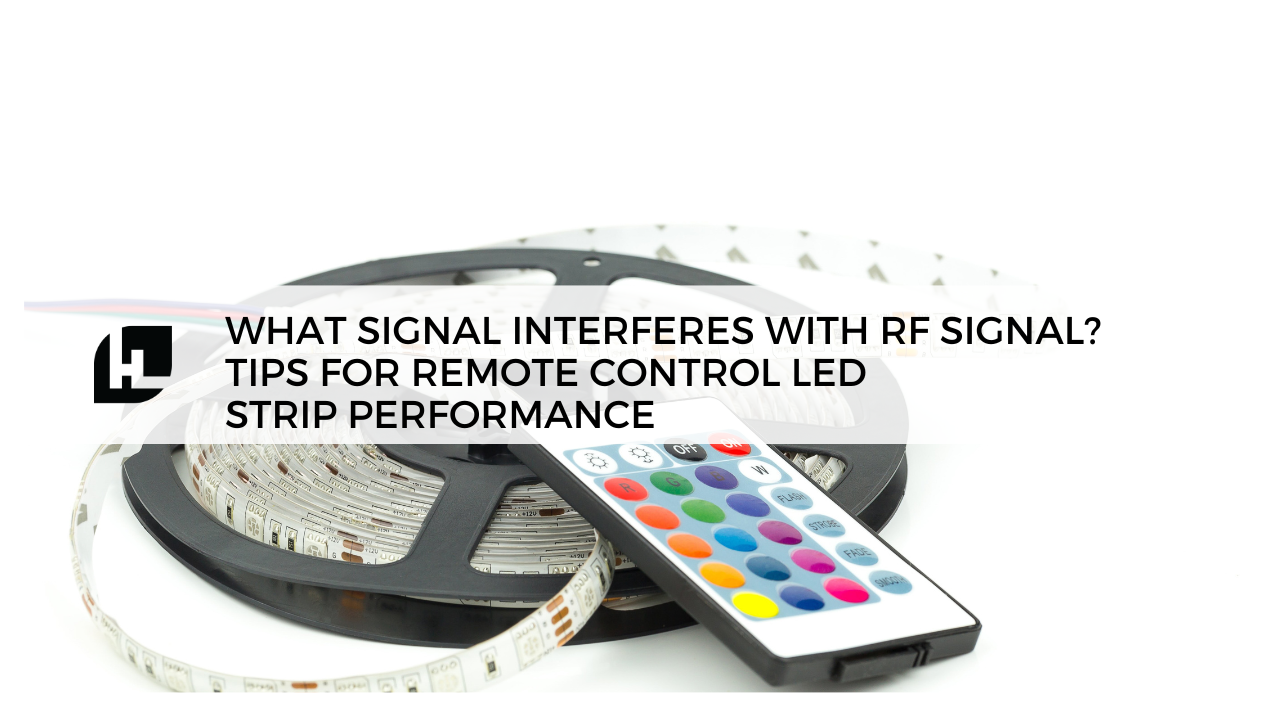
Modern remote control LED strips often use RF technology to offer wireless convenience. The RF controller transmits signals to a receiver connected to the LED strip light, allowing users to change brightness, color, and lighting patterns from a distance without direct line-of-sight (unlike infrared remotes).
These systems typically operate on common RF bands such as 315 MHz, 433 MHz, or 2.4 GHz, frequencies shared with many other wireless devices. As a result, RF signal interference is a practical concern that can affect LED strip performance, especially in homes with multiple wireless devices.
Common Sources of RF Signal Interference in LED Strip Applications
Understanding what signal interferes with RF signals requires identifying common culprits:
- Wi-Fi routers: Operate at 2.4 GHz, overlapping with many RF-controlled LED strips.
- Bluetooth devices: Also at 2.4 GHz, potentially introducing interference.
- Microwave ovens: Emit electromagnetic noise around 2.4 GHz when operating.
- Other RF remotes: Devices like garage door openers and alarm systems can crowd lower frequency bands (e.g., 315 MHz, 433 MHz).
- Metal structures: Reflect or absorb RF signals, weakening transmission.
- Dense walls and building materials: Materials like concrete or brick attenuate RF signals.
In setups where multiple wireless devices operate simultaneously, these sources contribute to wireless signal disruption, affecting not just LED strips but potentially other connected home devices.
Why Remote Control LED Strips Are Susceptible to Interference
Remote control LED strips are particularly vulnerable to interference for several reasons:
- Shared frequency bands: Many consumer RF devices use unlicensed ISM bands (2.4 GHz, 433 MHz), leading to congestion.
- Low-power transmitters: Remote controls often transmit at low power to conserve battery life, making their signals easier to overwhelm.
- Environmental factors: Physical obstructions, competing devices, and electromagnetic noise can degrade the signal quality.
These factors mean that even a well-functioning LED strip light system can experience performance drops if competing signals are present or environmental conditions change.
How to Identify RF Interference in LED Strip Setups
Diagnosing RF signal interference involves observing symptoms and performing simple tests:
- Inconsistent operation: Commands sometimes work and sometimes fail.
- Flickering lights: May indicate partial signal reception.
- Reduced range: The remote works only when very close to the receiver.
- Intermittent response: Commands lag or are delayed.
To isolate interference, try turning off nearby wireless devices and testing the LED strip’s performance. If performance improves, interference is likely. Testing in a different room or location can help confirm environmental factors contributing to wireless signal disruption.
Tips to Reduce RF Signal Interference
Minimizing interference ensures your remote control LED strip performs reliably. Here are practical tips:
- Reposition the receiver: Ensure the LED strip’s RF receiver is clear of obstructions and as close as possible to where you use the remote.
- Change frequency bands: Some RF controllers offer frequency selection — moving to a less congested frequency can improve reliability.
- Reduce competing devices: Power off or move Wi-Fi routers and Bluetooth devices away from the LED strip setup.
- Shielding: Use RF shielding materials or enclosures if interference sources are unavoidable.
- Shorten distance: Keep the remote control within the optimal range and avoid excessive walls or barriers.
Best Practices for Installing Remote Control LED Strips
Proper installation can preempt many interference problems. Consider these best practices:
- Plan location carefully: Install LED strips and their RF receivers away from dense clusters of wireless devices.
- Test before permanent installation: Temporarily set up the system and test remote performance to ensure no major interference.
- Use quality components: Choose reputable brands with well-shielded receivers and reliable remote controls.
- Consider wired alternatives: If interference is persistent, some LED strip systems offer wired control options that avoid RF issues entirely.
Conclusion
Understanding what signal interferes with RF signal is essential for anyone using remote control LED strips. RF signal interference can stem from common household devices and environmental factors, but with thoughtful planning and installation, you can minimize wireless signal disruption and ensure a smooth, reliable lighting experience.
By identifying interference sources, adjusting device placement, and choosing quality equipment, users can maintain seamless control over their LED strip lights, enjoying the flexibility and aesthetic appeal they provide.
About HitLights:
HitLights is a leading provider of high-quality LED lighting and low voltage LED drivers, and mounting supplies catering to diverse needs in residential, commercial, and event settings. With a commitment to innovation, eco-friendly lighting, and customer satisfaction, HitLights continues to illuminate spaces with innovations be it micro or macro technology.
By the way, if you are a professional installer, an integrator, or a business owner and you want to: Save MORE! And Do MORE Projects!
Get Factory Direct Pricing when you join our Professional Partner Program RISK-FREE, NO CONTRACTS, NO HASSLE PROCESS there is nothing to lose but MORE to GAIN!
If you have any additional questions, feel free to reach out to us at customerservice@hitlights.com or give us a call at 1 (855) 768-4135. Our team of expert engineers and electricians are here to assist you every step of the way!
*Disclaimer: The information provided in this article is for general informational purposes only.