
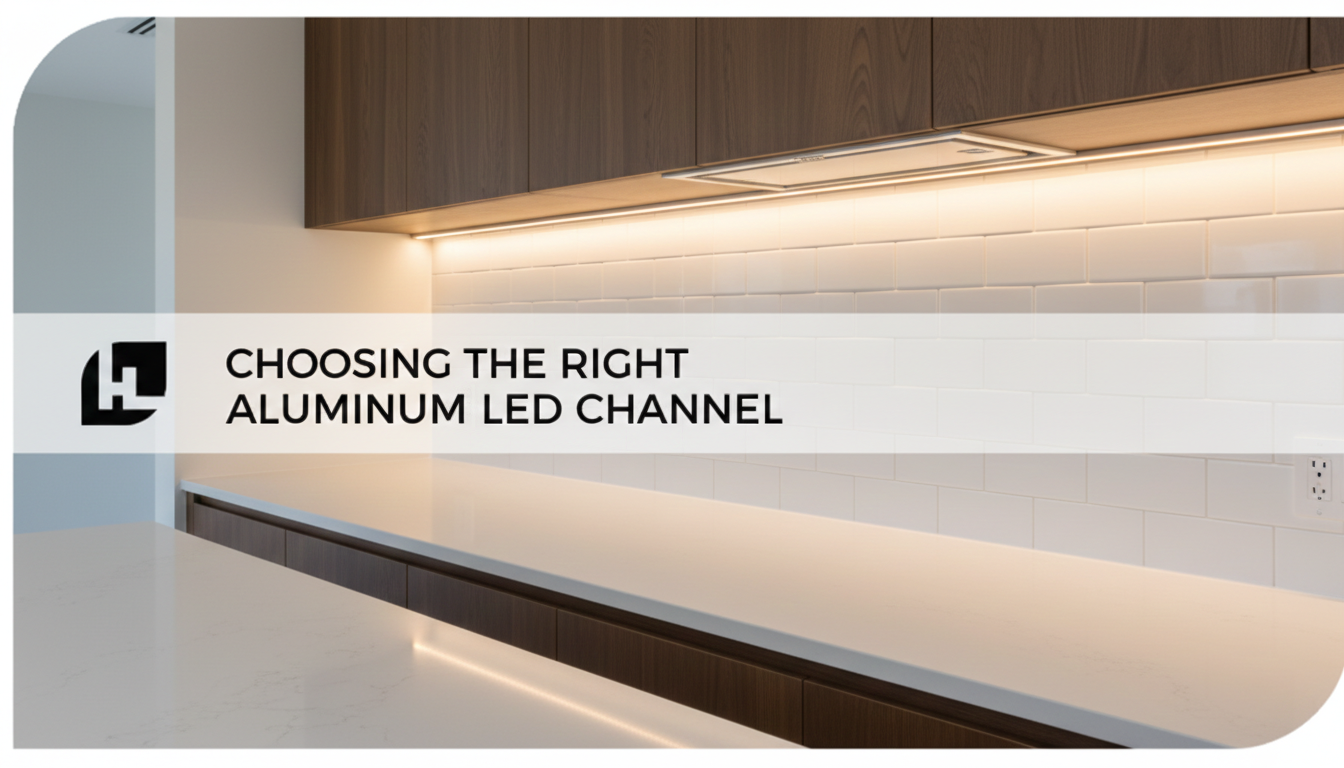
- Why an Aluminum LED Channel Changes the Final Result
- The Main Types of LED Channels (What You’re Really Choosing)
- HitLights Channel Comparison (Profiles, Dimensions, Best Uses)
- How to Choose the Right Channel: A Simple Decision Framework
- Best-Use Recommendations by Project Type
- Installation Reality Check: What Channels Do (and Don’t) Do
- A Smart “Default Pick” (When You’re Not Sure)
- Conclusion: The Right Channel Is the Difference Between “DIY” and “Designed”
If you want LED strips to look “built-in” (not stuck-on), last longer, and produce smoother light, the fastest upgrade is choosing the right aluminum LED channel. The right profile improves heat dissipation, protects the strip, and, when paired with the right diffuser, reduces “LED dotting” for a clean line of light.
Why an Aluminum LED Channel Changes the Final Result
LED strips work fine on their own, but channels make them look intentional and perform better over time:
-
Cleaner aesthetics: Diffusers help blend diodes into a more continuous line.
-
Protection: Channels shield strips from dust, accidental contact, and minor moisture exposure (note: the channel itself isn’t “waterproof”).
-
Thermal management: Aluminum acts as a heat sink, which supports LED longevity and stability.
That’s why installers often treat channels as the “fixture” for tape lighting rather than an optional accessory.
The Main Types of LED Channels (What You’re Really Choosing)
Think of channel selection like choosing trim: the “shape” determines how the light appears, where it lands, and how integrated it looks.
Surface-Mounted Channels
Best when you don’t want to cut into cabinetry/drywall. Great for:
-
under-cabinet runs
-
backsplash accents
-
stair treads
-
display cases
HitLights surface options commonly fit 8–10 mm strips (including many 24V and 10mm COB strips).
Recessed-Mounted Channels
Best when you want a flush, architectural finish (the channel sits inside a routed groove/opening). Ideal for:
-
coves, crown molding, coffers
-
toe-kicks with hidden sources
-
custom millwork reveals
HitLights recessed profiles are designed to hide the tape and leave only a slim diffuser visible.
Corner (V-Profile) Channels
Best when the strip is installed in a corner and you want the beam aimed across surfaces rather than straight down. Perfect for:
-
cabinet nosing
-
inside corners
-
coves where you want wall-wash
-
angled accent lines
HitLights’ corner channel is a true 45° V-profile for corner applications.
HitLights Channel Comparison (Profiles, Dimensions, Best Uses)
Below is a practical comparison of common aluminum channel profiles from the HitLights aluminum channel lineup.
At-a-glance comparison
|
Channel type |
Mounting |
Profile |
Approx. size (L × W × H) |
Best for |
|
Slim Surface (SKU A-A1507-SM-5PKS) |
Surface |
Slim |
1m × 15mm × 6mm |
Tight installs, minimal visual footprint |
|
Surface Mounted (SKU A-JD1238-SM-5PKS) |
Surface |
Slim |
1m × 17mm × 10mm |
General-purpose under-cabinet / backsplash |
|
Medium Diffusion Surface (SKU A-902H-5PK) |
Surface |
U-shape (deeper) |
~1m × ~17–18mm × ~15mm |
Smoother light, less glare/hotspot reflection |
|
Corner Mounted (SKU A-A1616-CM-5PKS) |
Corner |
V-shape (45°) |
1m × 16mm × 16mm |
Corners, nosing, angled wall-wash |
|
Slim Recessed (SKU A-A1706-RM-5PKS) |
Recessed |
Clean & stylish |
1m × 25mm × 7.5mm |
Architectural coves/crowns; hidden source |
|
Recessed Mounted (SKU A-JD1237-RM-5PKS) |
Recessed |
Slim |
1m × 17mm × 9mm |
Flush installs where the width is limited |
How to Choose the Right Channel: A Simple Decision Framework
1) Start with the mounting constraint (surface vs recessed vs corner)
-
No cutting allowed? Go surface-mounted (slim or medium diffusion).
-
Can you route a groove / want flush architecture? Go recessed.
-
Are you lighting out of a corner? Go V-profile corner mounted.
This one decision eliminates most wrong picks.
2) Match channel depth to your diffusion expectations
Diffusion isn’t magic—it’s geometry.
-
If you want maximum smoothing (fewer “dots,” less glare on glossy countertops), choose the medium diffusion U-shape. The deeper profile and diffuser are tuned for smoother blending and reduced reflections.
-
If you can tolerate some diode visibility (or you’re using COB strips already), slim profiles often look excellent while staying minimal.
3) Verify strip compatibility (don’t skip this)
Most of these HitLights channels are intended to fit 8–10 mm LED strips, including many 24V and 10mm COB strips.
Practical tip: if you’re using higher-output strips (or stacking runs), the thermal and space benefits of a channel become more important—not less.
4) Choose based on where the light needs to land
This is the “pro” differentiator.
-
Want straight down task lighting under cabinets? Surface-mounted slim or medium diffusion works well.
-
Want to wash across a wall/backsplash without harsh hotspots? Medium diffusion or corner V-profile can be more flattering depending on placement.
-
Want the source to disappear and leave only the glow? Recessed channels win.
Best-Use Recommendations by Project Type
Under-cabinet lighting (task + polish)
Most common win:
-
Surface-mounted (17mm × 10mm) for general-purpose installs
-
Medium Diffusion when countertop reflections or hotspots are an issue
Why: Under-cabinet runs are visible at eye level. A diffuser that smooths the light line helps the installation look finished, not improvised.
Backsplash accents and wall lines
-
Slim Surface when you need a minimal footprint
-
Medium Diffusion for a more “spotless” line and reduced glare
Cove lighting / crown molding / coffers (architectural glow)
-
Slim Recessed (25mm × 7.5mm) when you want a clean lip and diffuser visible, but the source hidden
-
Recessed (17mm × 9mm) when you’re working with tighter width constraints
Corners, cabinet nosing, angled detail lighting
-
Corner-mounted V-profile (16mm × 16mm) to aim light at 45° and avoid the “flashlight down the corner seam” look
Display cases, shelving, and built-ins
-
Slim surface channels for minimal visibility
-
Medium diffusion if the viewer can see the strip directly (front-facing shelves, glass, glossy surfaces)
Installation Reality Check: What Channels Do (and Don’t) Do
Channels are not “waterproof fixtures.”
HitLights notes these channels offer some protection, but they are not fully waterproof—pair them with appropriately rated strips in damp/wet locations.
Cutting and finishing is part of the job
Most profiles can be cut to length and are commonly installed with mounting clips/screws and finished with end caps and a snap-on diffuser.
Channels can improve heat handling, but don’t replace correct power design
Channels help with heat dissipation, but you still need proper drivers, wire sizing, and voltage-drop planning for long runs.
A Smart “Default Pick” (When You’re Not Sure)
If you’re overwhelmed and just want a safe, pro-looking outcome:
-
Choose a surface-mounted slim profile for most under-cabinet and accent installs.
-
Upgrade to medium diffusion when hotspots/glare will be noticeable (glossy counters, reflective tile, eye-level viewing).
-
Use recessed when the goal is architectural minimalism, and you can route a channel.
-
Use a corner V-profile anytime the strip sits in a corner, and you want light directed across surfaces.
This approach covers the majority of residential and light commercial projects.
Conclusion: The Right Channel Is the Difference Between “DIY” and “Designed”
Choosing the right aluminum LED channel is less about accessories and more about final lighting quality. The profile you pick determines whether your LEDs read as a dotted strip, a smooth line, or an architectural glow. Use surface channels for speed, recessed channels for built-in precision, corner channels to control beam direction, and medium diffusion profiles when you need the most polished output.
If your goal is a professional finish, selecting the correct aluminum channel for LED strip lighting is one of the highest ROI decisions you can make.